

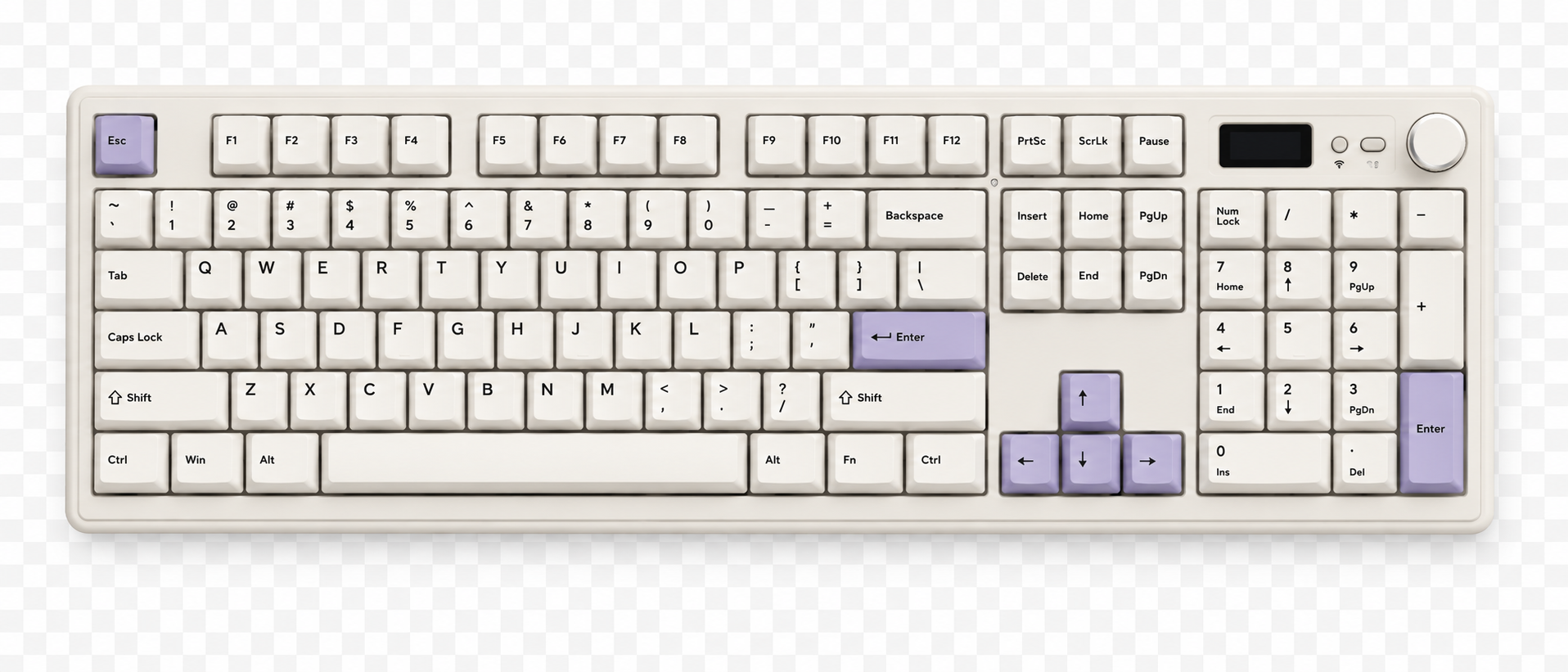
How to Set Up and Use Your Large Keyboard (GMK104)
Just got your shopgalactica Large Keyboard? 🎉 This guide will help you get set up, connect to your devices, change the lighting, customise the LCD screen and use VIA for advanced key remapping. Thi...
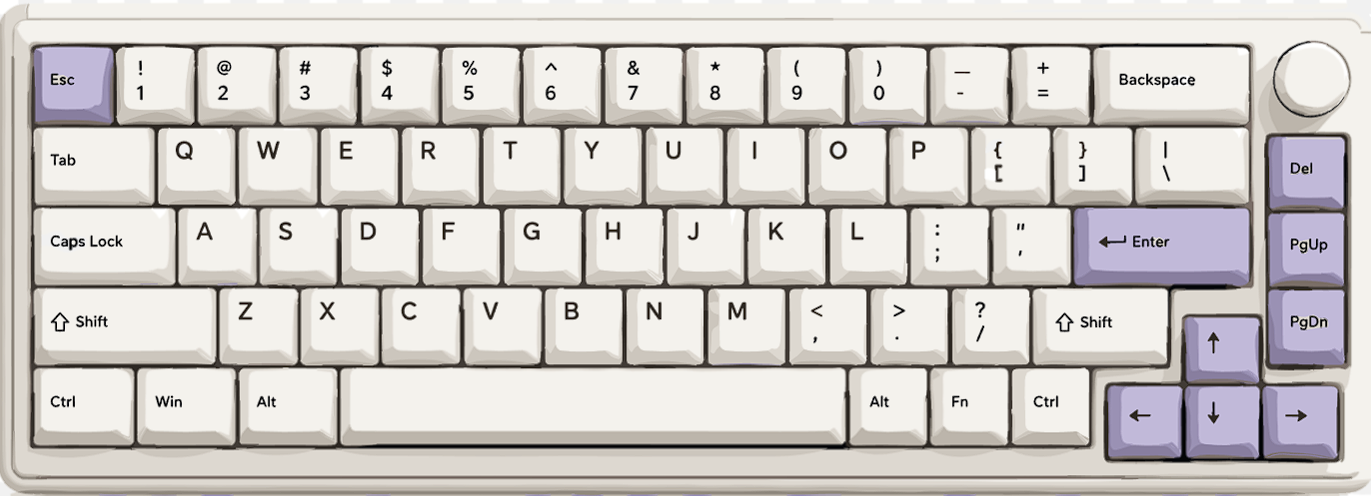
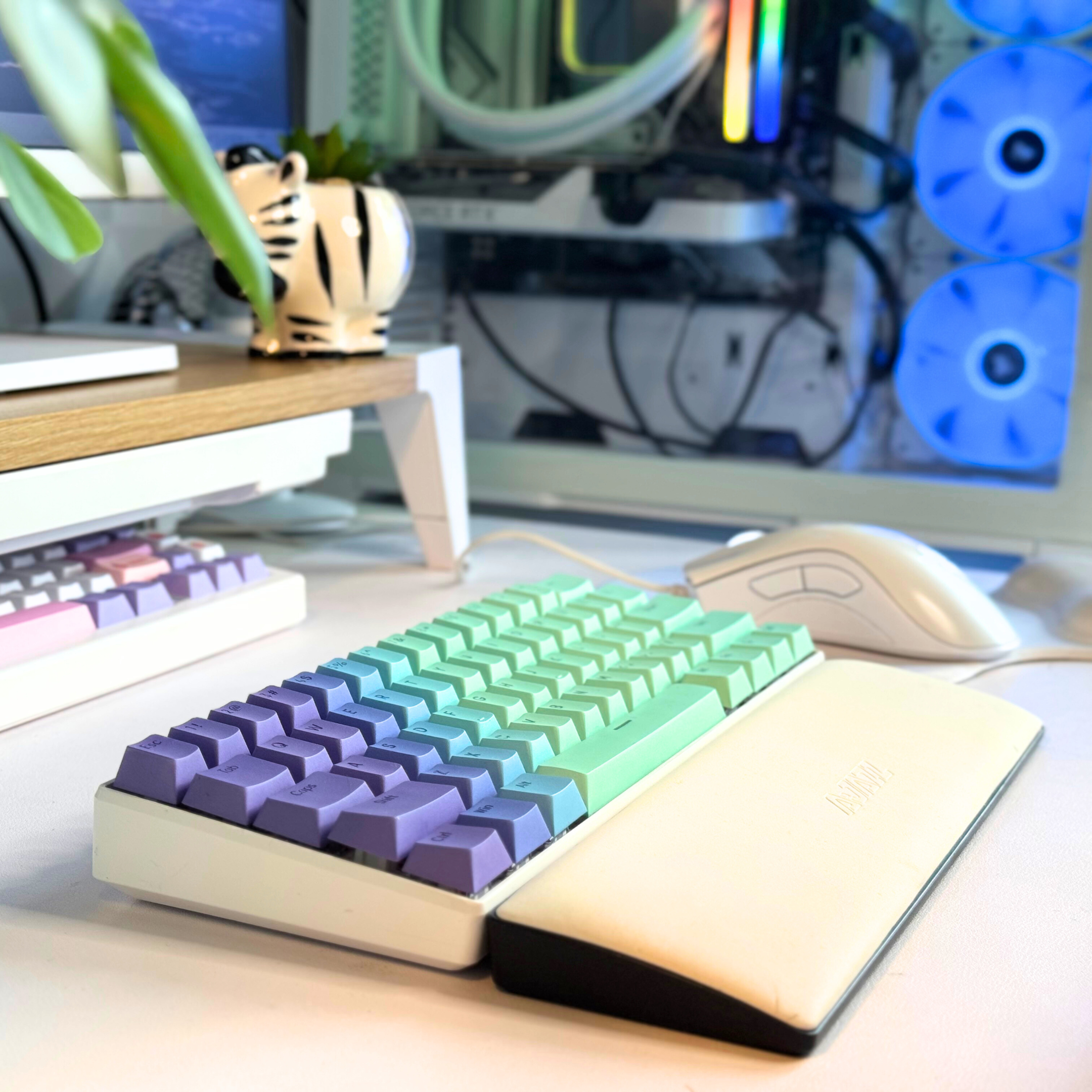
How to Set Up and Use Your Small Keyboard (GMK67)
Learn how to set up and use your ShopGalactica Small Keyboard (GMK67). Connect by USB, Bluetooth or 2.4 GHz, control volume with the rotary knob, customise RGB lighting, switch between Windows and ...
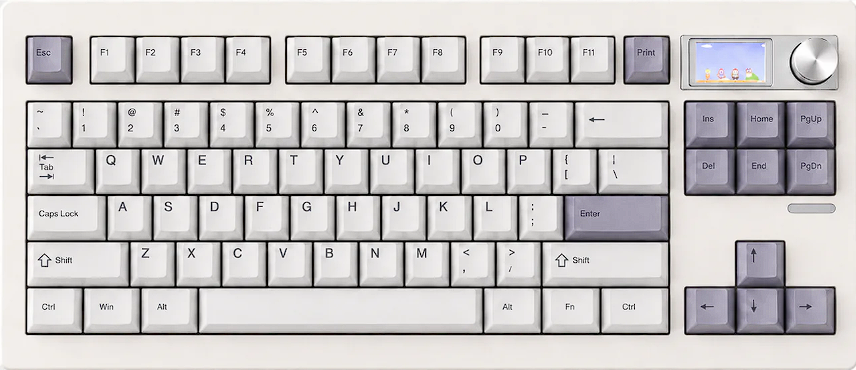
How to Set Up and Use Your Medium Keyboard (GMK87)
Learn how to connect your shopgalactica Medium Keyboard by USB, Bluetooth or 2.4 GHz, adjust RGB lighting, customise the LCD screen and remap keys with VIA.

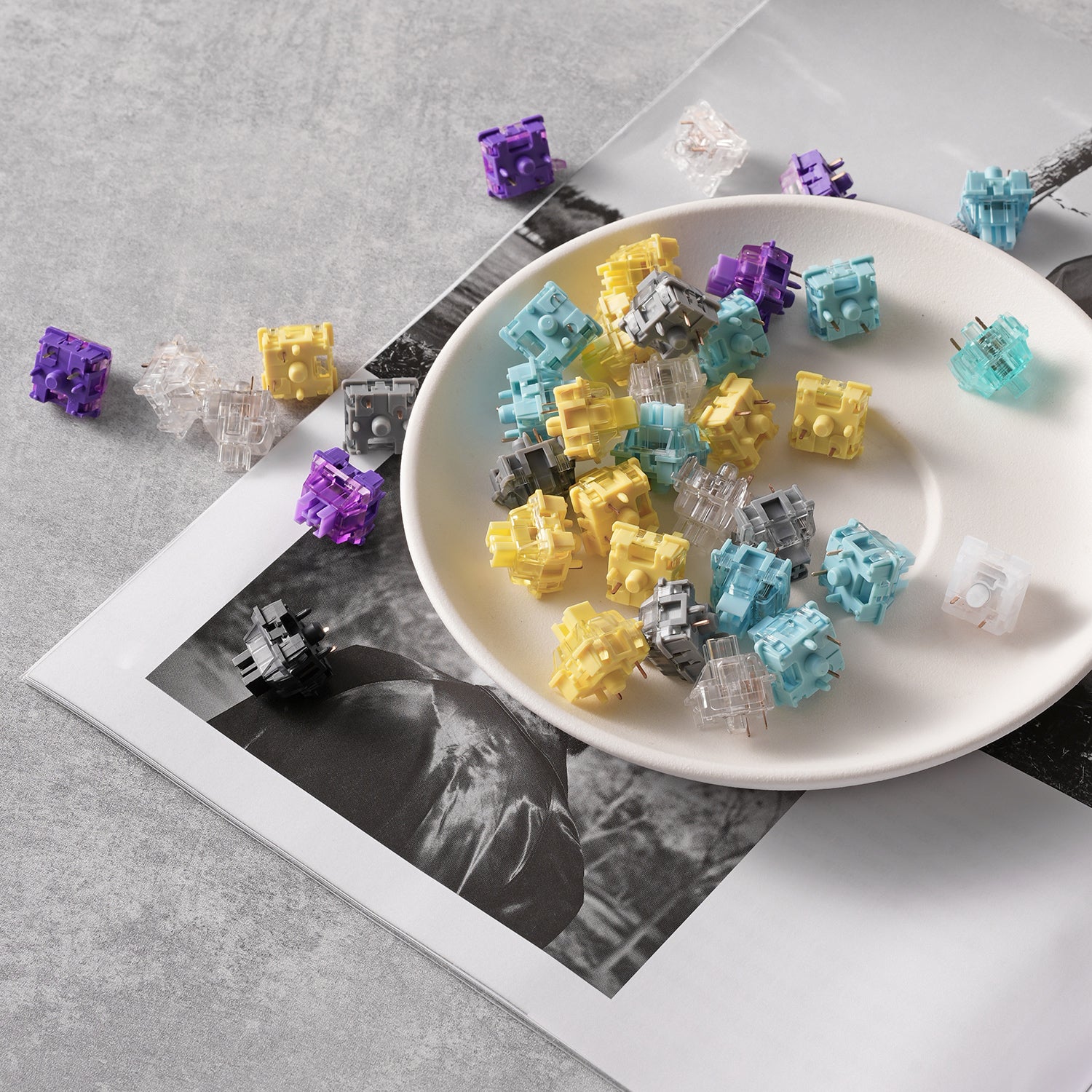
Plastic vs Aluminium Keyboard Cases: Which Is Better for Your Custom Keyboard Build?
Building a custom mechanical keyboard is one of the easiest ways to level up your desk setup - from sound and feel to pure aesthetic vibes. One of the biggest decisions you’ll make early on is keyb...

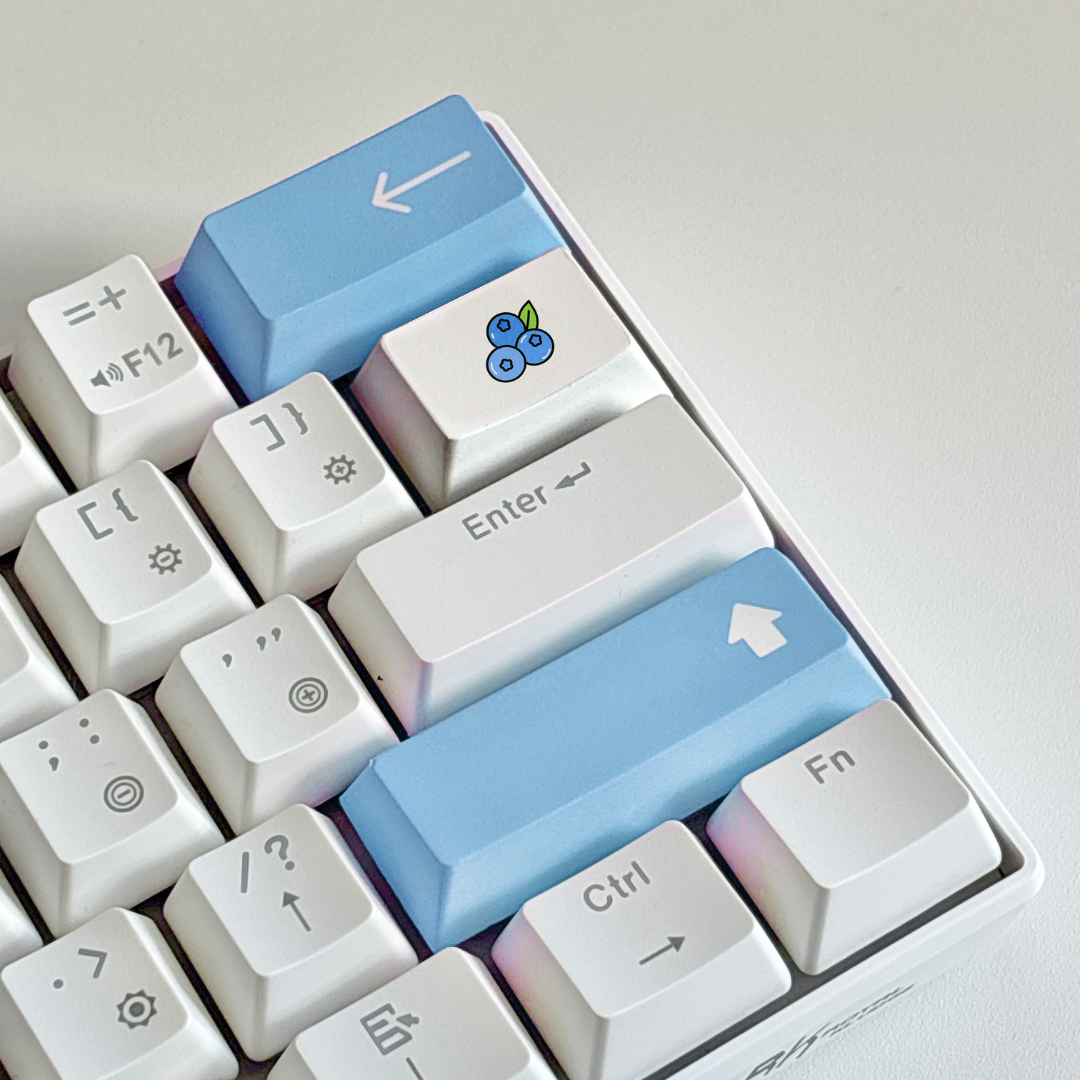
Desk Mat Buying Guide (UK): How to Choose the Perfect Desk Mat for Your Setup
Why a Desk Mat Is One of the Best Desk Setup Upgrades A desk mat is one of the easiest ways to instantly upgrade your gaming or work setup. It protects your desk, improves mouse glide, reduces nois...
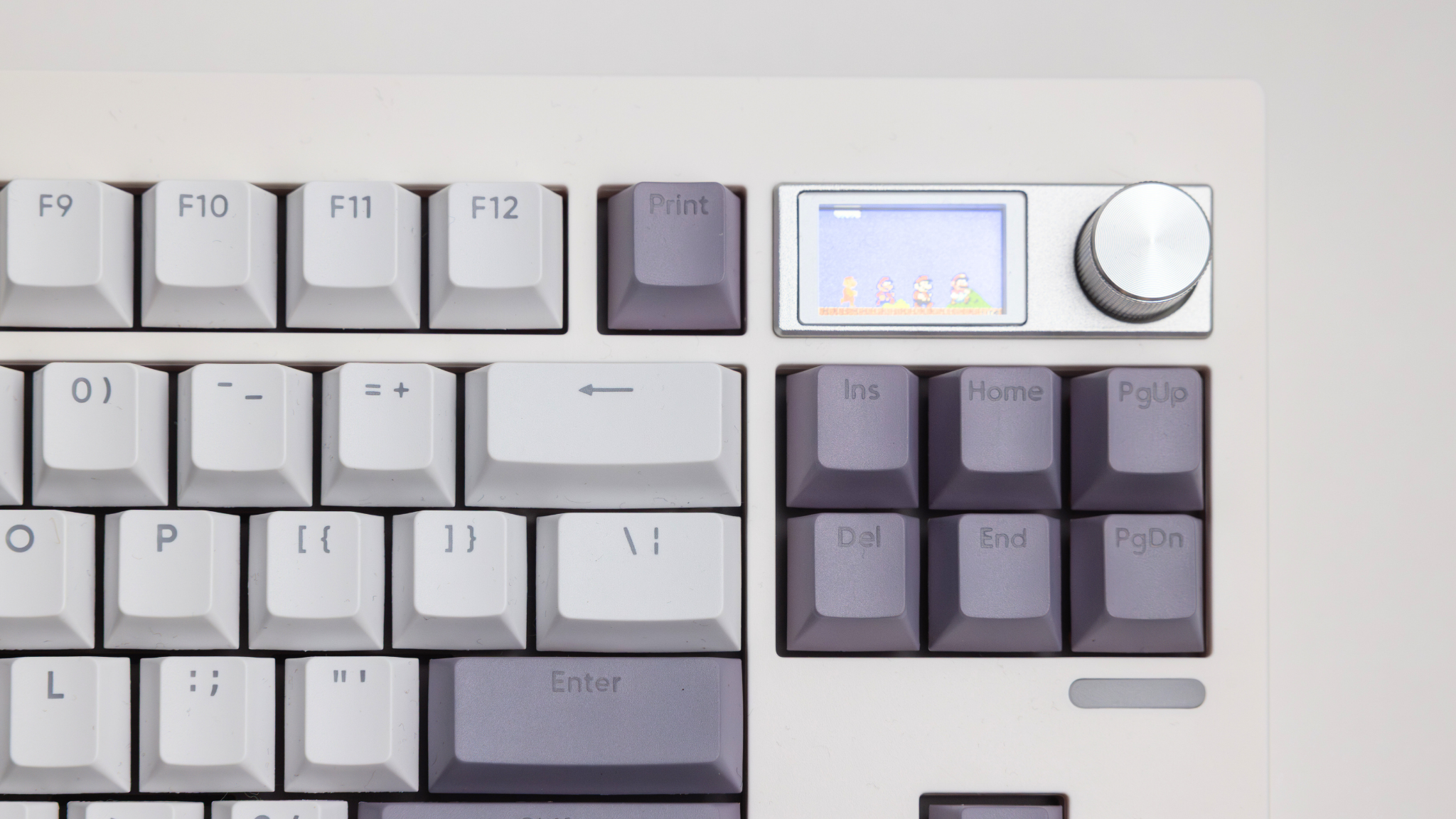
How to Change Your Keyboard Screen (Epomaker Step-by-Step)
This walkthrough uses the Epomaker Image Custom Tool, which supports keyboards like the GMK87 and other Epomaker models with LCD screens. What Is a Mechanical Keyboard Screen? A mechanical keyboar...
Explore our collections


